
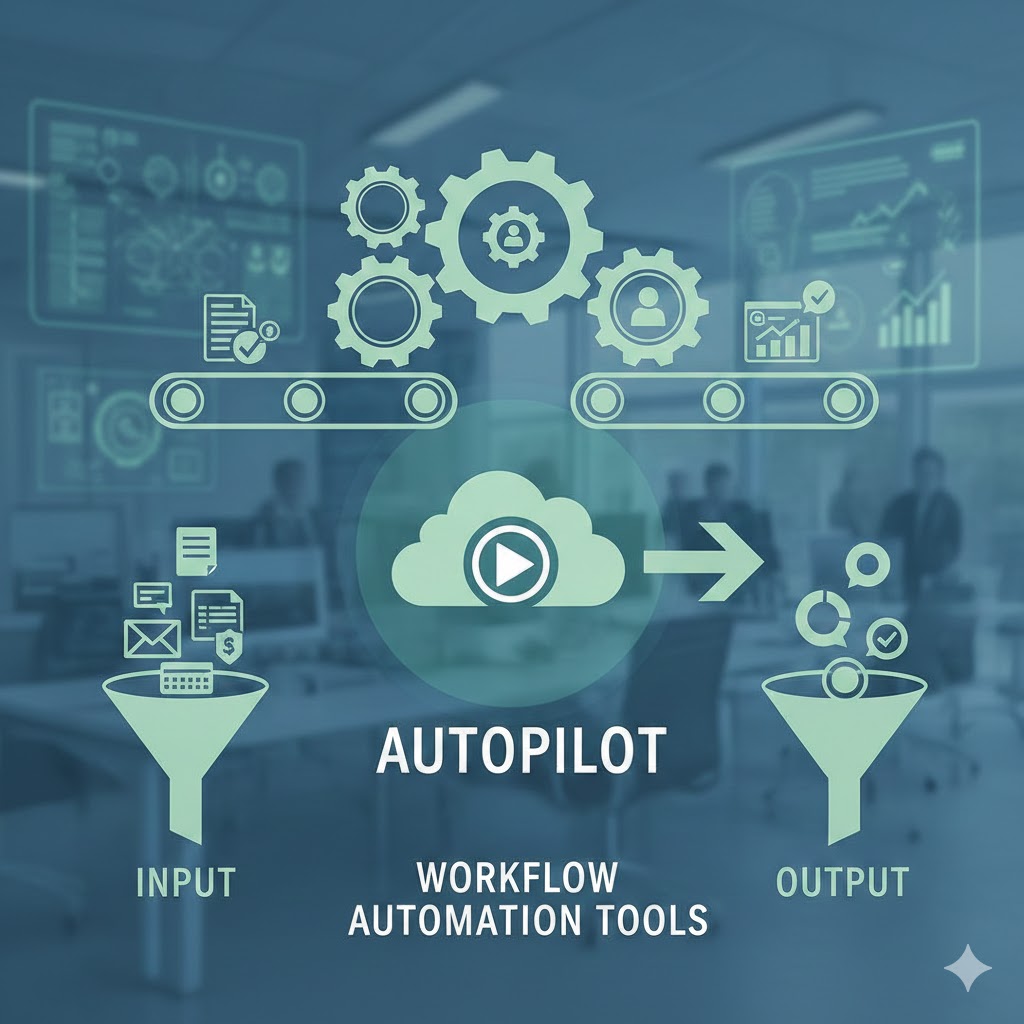
Work used to scale by adding more people, more hours, and more meetings. In 2026, that model is breaking. Teams are smaller, expectations are higher, and speed matters more than ever. This is exactly why Workflow Automation Tools have moved from “nice-to-have” software to core business infrastructure.
The real power of modern automation isn’t just saving time—it’s running entire workflows on autopilot. Tasks happen automatically. Decisions follow rules. Work moves forward without constant human involvement.
This blog explains how workflow automation tools actually run work on autopilot, where they deliver the most value, and why businesses that adopt them early gain a lasting edge.
1. What Are Workflow Automation Tools?
Workflow Automation Tools are software platforms that automate multi-step processes across apps, teams, and systems—without manual intervention.
1.1 What Makes a Tool “Workflow Automation”
Unlike simple task automation, these tools:
- Connect multiple apps and systems
- Follow conditional logic
- Trigger actions based on events
- Run continuously in the background
They don’t just speed up work—they replace repetitive workflows.
2. Why Workflows (Not Tasks) Are the Real Bottleneck
Most people try to automate individual tasks first. That’s a mistake.
2.1 Tasks vs Workflows
- Task: Send an email
- Workflow: Capture lead → qualify → assign → follow up → log CRM
Automating tasks saves minutes. Automating workflows saves entire roles worth of effort.
This is where Workflow Automation Tools create exponential value.
3. What “Autopilot” Actually Means in Work Automation
Autopilot doesn’t mean zero humans—it means zero micromanagement.
3.1 Autopilot Workflows Do This
- Run 24/7
- Execute consistently
- Handle predictable decisions
- Alert humans only when needed
Instead of managing work, people supervise outcomes.
4. Where Workflow Automation Tools Deliver the Biggest Impact
Not all areas benefit equally. Some workflows are perfect for automation.
4.1 High-Impact Automation Areas
- Lead capture and qualification
- Client onboarding
- Content publishing pipelines
- Reporting and analytics
- Internal approvals
These workflows are repeatable, rule-based, and time-consuming—ideal for automation.
5. Workflow Automation Tools in Sales and Marketing
Revenue teams were among the first to adopt automation.
5.1 Sales Automation Examples
- New lead triggers qualification logic
- High-intent leads routed instantly
- Follow-ups scheduled automatically
- CRM updated without manual input
Sales teams using Workflow Automation Tools spend more time closing—and less time managing data.
6. Workflow Automation in Operations and Admin
Operations is where automation becomes invisible—but powerful.
6.1 Operational Workflows on Autopilot
- Invoice generation and reminders
- Document approvals
- Task assignments
- Status updates
When ops workflows run automatically, errors drop and consistency improves.
7. No-Code and Low-Code Automation: Why 2026 Is Different
Automation used to require developers. Not anymore.
7.1 Why No-Code Changed Everything
Modern Workflow Automation Tools:
- Use visual builders
- Require no programming
- Allow non-technical teams to build systems
This democratization is why automation adoption is exploding.
8. AI + Workflow Automation: The New Standard
AI has taken automation to the next level.
8.1 What AI Adds to Automation
- Intelligent decision-making
- Data interpretation
- Content generation
- Prioritization logic
AI-enhanced Workflow Automation Tools don’t just follow rules—they adapt.
9. Common Workflows That Should Already Be Automated
If you’re still doing these manually, automation is overdue.
9.1 Examples
- Copying data between tools
- Weekly performance reports
- Email follow-ups
- Task handoffs between teams
These are classic candidates for autopilot workflows.
10. Mistakes That Prevent Workflow Automation Success
Automation fails when strategy is missing.
10.1 Common Mistakes
- Automating broken processes
- Overcomplicating workflows
- Using too many disconnected tools
- No monitoring or review system
Successful automation simplifies first, then automates.
11. How to Build an Autopilot Workflow (Simple Framework)
You don’t need dozens of automations—just the right ones.
11.1 Step-by-Step
- Identify a repetitive outcome
- Map the full workflow
- Define triggers and conditions
- Choose the right automation tool
- Test, monitor, and refine
This is how Workflow Automation Tools truly run work on autopilot.
12. Who Benefits Most from Workflow Automation Tools
Automation is not just for large companies.
12.1 Ideal Users
- Solo founders
- Freelancers
- Small teams
- Growing startups
- Enterprise departments
Anyone who values time, consistency, and scale benefits.
13. The Long-Term Advantage of Running Work on Autopilot
Automation compounds.
13.1 Long-Term Benefits
- Lower operating costs
- Faster execution
- Fewer errors
- More strategic focus
Companies that master Workflow Automation Tools don’t just work faster—they work smarter forever.
Frequently Asked Questions (FAQ)
What are workflow automation tools?
They are platforms that automate multi-step business processes across apps and systems with minimal human involvement.
How are workflow automation tools different from task automation?
Task automation handles single actions, while workflow automation manages entire processes from start to finish.
Do I need technical skills to use workflow automation tools?
No. Many modern tools are no-code or low-code and designed for non-technical users.
Can workflow automation really run work on autopilot?
Yes. Once configured, workflows can operate continuously with only occasional monitoring.
Are workflow automation tools expensive?
Costs vary, but many tools are affordable and deliver strong ROI by reducing labor and errors.
What should I automate first?
Start with repetitive, rule-based workflows that consume time but don’t require creativity.
Final Thoughts
The future of work isn’t about doing more—it’s about designing systems that do the work for you.
When implemented strategically, Workflow Automation Tools turn businesses into self-running engines. Tasks disappear. Bottlenecks dissolve. People focus on decisions, not execution.
In 2026, the most effective teams won’t be the busiest ones.
They’ll be the ones whose work runs quietly—on autopilot.
Also read this:
Trending AI Gadgets With Real-World Use Cases in 2026
AI Tools Create Digital Leverage Instead of More Tasks
AI Is the Fastest Skill-to-Income Path: Why 2026 Belongs to AI-Driven Earners