
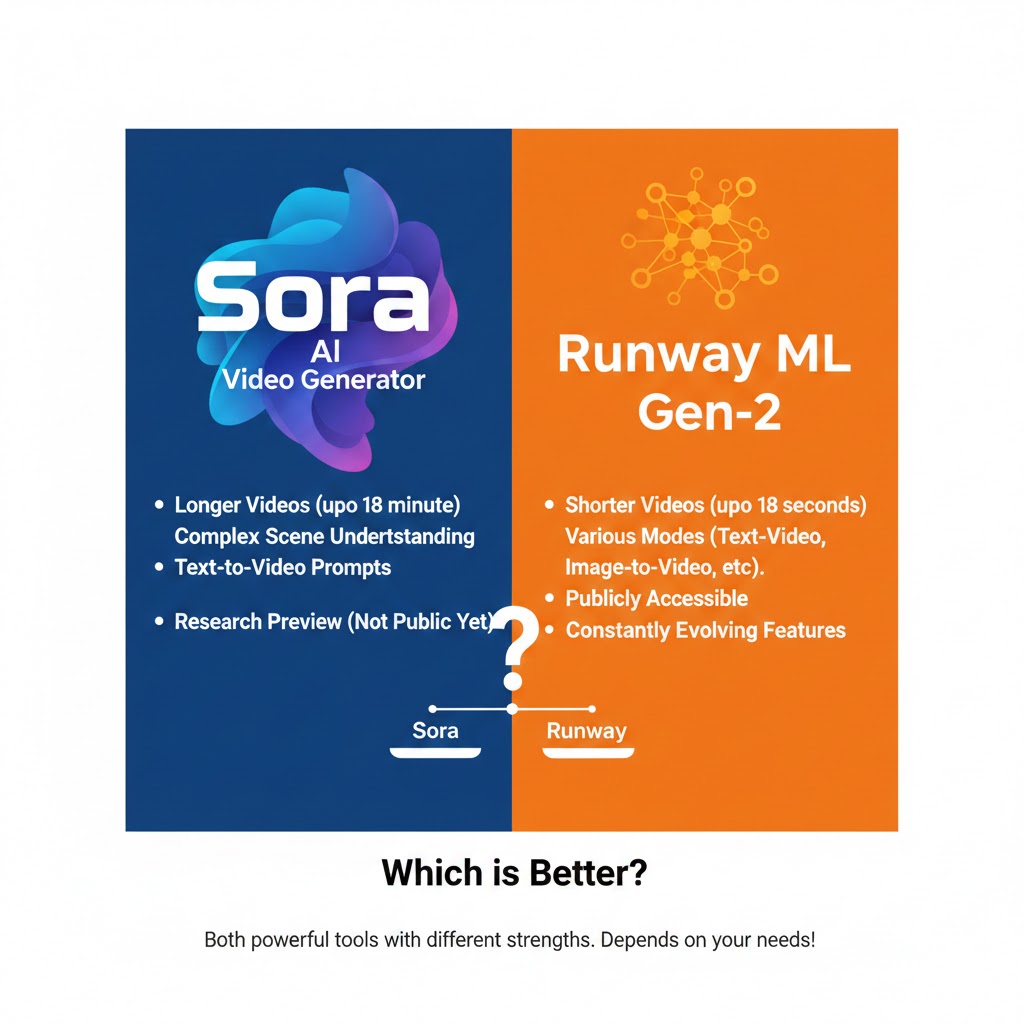
AI video generation has exploded in capability and popularity—bringing tools that once felt futuristic into everyday creative workflows. Two names that keep coming up are the Sora AI Video Generator and Runway’s AI video tools. Both promise powerful text-to-video creation, but they serve slightly different purposes and audiences.
In this blog, we’ll break down what each tool is about, how they compare, and help you answer the big question: Is Sora AI Video Generator better than Runway? Spoiler: the answer isn’t one-size-fits-all—it depends on what you need.
1. What Is the Sora AI Video Generator?
The Sora AI Video Generator is a text-to-video model developed by OpenAI that generates realistic video clips directly from text prompts. It’s designed to understand natural language descriptions and turn those descriptions into video sequences—often with cinematic quality and longer scenes.
Key traits of Sora:
- Generates video from text prompts
- Focus on realism and narrative coherence
- Can produce clips up to ~60 seconds (depending on model version)
- Often showcases cinematic visuals and motion continuity
Sora represents one of the most advanced text-to-video AI systems available, emphasizing photorealism and storytelling potential.
2. What Is Runway’s AI Video Tool?
Runway has been a popular platform for AI-driven video creation and editing. Its text-to-video models (such as Gen-3 and newer variants) offer a broader suite of tools for creative production, including motion editing, fine control, and workflow integration for creators.
Key traits of Runway AI:
- Strong creative controls
- Quick generation and iteration
- Timeline editing and brush-style motion tools
- Good integration with editing workflows
- Often faster and more production-ready than purely text-to-video tools
Runway aims to be a more complete creative suite—not just a video generator.
3. How They Compare: Sora AI Video Generator vs Runway
Below are some of the main differences between the two:
Generation Style
- Sora AI Video Generator: Focuses on cinematic realism and narrative depth, often producing longer, more cohesive scenes from text prompts.
- Runway: Prioritizes production-ready outputs, fast iteration, and creative control over every frame.
Speed & Workflow
- Sora: May take longer to render complex videos, especially those with richer motion and realism.
- Runway: Known for faster generation and smoother workflows, including editing tools and timeline features.
Creative Control
- Sora: Best for high-impact narrative clips or cinematic storytelling where realism matters.
- Runway: Offers more editing and production tools, making it ideal for quick content creation and refinements.
Accessibility & Use Cases
- Sora: Often simpler for creators who want to describe a scene and watch it come to life.
- Runway: Better for creative professionals who want to build, iterate, and edit as part of broader video projects.
Real-World Preference
Different reviews and tests show that while Sora excels in photorealism, Runway’s tool tends to be more practical for day-to-day projects due to speed and creative features.
4. Strengths of the Sora AI Video Generator
The Sora AI Video Generator shines when:
- You want cinematic, realistic video content with coherent motion and narrative context.
- You are generating videos based primarily on textual descriptions.
- You don’t need heavy post-generation editing tools.
It is particularly appealing to storytellers and creators who prioritize depth and realism over editing control.
5. Strengths of Runway’s AI Video Tools
Runway’s tools excel when:
- You require true editing workflows, including timeline adjustments and motion refinements.
- You need fast iterations and multiple drafts in a short timeframe.
- You’re producing content for professional purposes (ads, social media, branded videos).
Runway fits well with creators who want both generation and editing in a single place.
6. Limitations to Consider
Sora
- Sora’s focus on visual realism can mean slower generation and higher computational cost.
- Some platforms may still limit access or charge premium pricing.
Runway
- May not reach the same cinematic realism level as Sora for certain prompts.
- Some advanced editing features require paid plans.
Both tools are evolving rapidly, and updates often shift their relative strengths.
Frequently Asked Questions (FAQ)
Is the Sora AI Video Generator better than Runway?
Not universally—Sora often produces more cinematic and realistic videos from text prompts, while Runway excels in creative control, speed, and editing workflows.
Can Sora generate full long videos?
Sora typically generates videos up to a limited length (e.g., up to ~60 seconds), which is longer than many competitors but not unlimited.
Is Runway faster than the Sora AI Video Generator?
Yes. Runway generally provides faster outputs and smoother iteration cycles than Sora, which prioritizes realism.
Which tool is better for beginners?
Sora is often easier for beginners who want to describe and generate videos, whereas Runway offers more tools but may have a steeper learning curve.
Can you edit videos created by Sora?
Typically, editing Sora’s outputs requires external tools. Runway includes editing features built into its workflow.
Are these tools suitable for professional creators?
Both have professional use cases: Sora for high-impact visuals, Runway for production workflows and rapid content creation.
Final Thoughts
So, is the Sora AI Video Generator better than Runway?
It depends on your priorities:
- If your focus is photorealistic, narrative-driven video directly from text, Sora often holds the edge.
- If you want fast, flexible video generation with robust editing tools, Runway remains a practical choice.
The truth is that both tools push AI video creation forward—and the “better” one is the one that suits your project goals.
Also read this:
Workflow Automation Tools That Run Work on Autopilot in 2026