
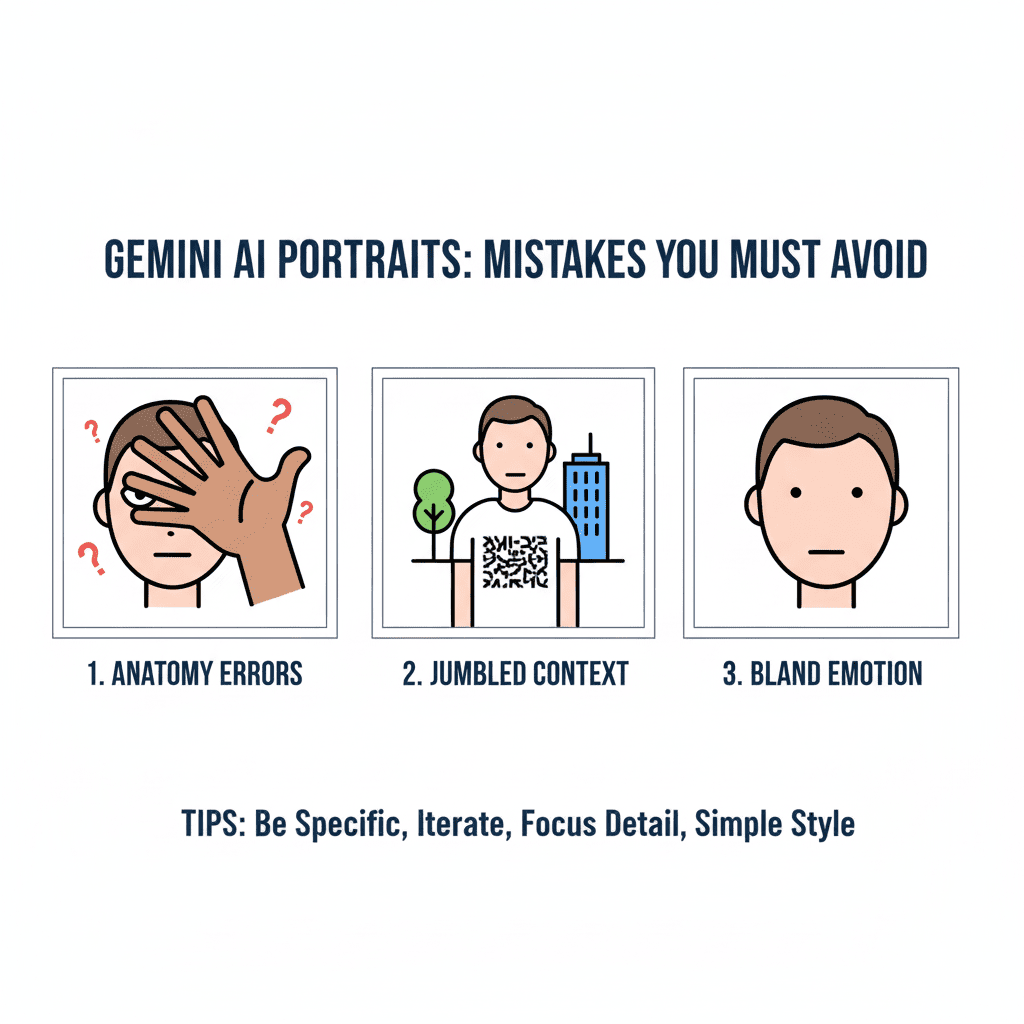
Creating stunning portraits with Gemini AI Portraits can be incredibly rewarding, but many users unknowingly sabotage their results with common mistakes. Whether you’re a beginner exploring AI-generated art or a seasoned creator looking to refine your skills, avoiding these pitfalls will dramatically improve your Gemini AI Portraits experience.
Why Gemini AI Portraits Are Taking the Digital Art World by Storm
Gemini AI Portraits have revolutionized how we create personalized digital art. This powerful AI tool transforms simple text descriptions into breathtaking portrait artwork, making professional-quality art accessible to everyone. However, like any sophisticated tool, mastering Gemini AI Portraits requires understanding both its capabilities and limitations.
Mistake #1: Writing Vague or Generic Prompts
The biggest mistake users make with Gemini AI Portraits is providing unclear descriptions. Saying “create a nice portrait” won’t give you the stunning results you’re hoping for.
Instead, be specific:
- Bad: “Make a woman’s portrait”
- Good: “Create a portrait of a confident 30-year-old woman with curly auburn hair, warm brown eyes, wearing a navy blue blazer, soft natural lighting, photorealistic style”
Pro tip: Include details about lighting, mood, style, and specific physical features to get precisely what you envision.
Mistake #2: Ignoring Aspect Ratio and Resolution Settings
Many Gemini AI Portraits users overlook technical specifications, leading to distorted or pixelated results. Your portrait’s dimensions matter significantly for the final quality.
Best practices:
- Use 1:1 ratio for social media profiles
- Choose 3:4 for traditional portrait orientation
- Select 16:9 for wider compositions
- Always specify high resolution for crisp, detailed results
Mistake #3: Overcomplicating Your Prompts
While detail is important, cramming too many elements into your Gemini AI Portraits prompt can confuse the AI and create chaotic results. The key is finding the sweet spot between detailed and focused.
Strike the right balance:
- Focus on 3-5 main elements
- Prioritize the most important features first
- Use clear, descriptive language
- Avoid conflicting style directions
Mistake #4: Not Experimenting with Different Artistic Styles
Gemini AI Portraits offers incredible versatility in artistic styles, yet many users stick to one approach. This limits your creative potential and prevents you from discovering your preferred aesthetic.
Explore these popular styles:
- Photorealistic portraits for professional headshots
- Oil painting style for classical elegance
- Digital art for modern, vibrant looks
- Pencil sketch for timeless, artistic appeal
- Watercolor for soft, dreamy effects
Mistake #5: Failing to Iterate and Refine
Creating perfect Gemini AI Portraits rarely happens on the first try. Many users give up too quickly instead of refining their approach through iteration.
Successful refinement strategy:
- Generate your initial portrait
- Identify what works and what doesn’t
- Adjust your prompt accordingly
- Generate variations
- Continue refining until satisfied
Mistake #6: Neglecting Lighting and Mood Specifications
Lighting dramatically affects the quality and emotional impact of Gemini AI Portraits. Many users forget to specify lighting conditions, resulting in flat or poorly lit portraits.
Lighting options to consider:
- Golden hour for warm, flattering light
- Studio lighting for professional results
- Natural window light for soft, even illumination
- Dramatic side lighting for artistic effect
- Backlighting for ethereal, glowing portraits
Mistake #7: Not Understanding AI Limitations and Ethical Considerations
Gemini AI Portraits are powerful, but they’re not magic. Understanding limitations helps set realistic expectations and ensures ethical usage.
Key limitations to remember:
- AI may struggle with very specific or unusual requests
- Generated faces are fictional, not real people
- Some complex poses or interactions may be challenging
- Quality can vary based on prompt complexity
Advanced Tips for Mastering Gemini AI Portraits
Prompt Engineering Secrets
The most successful Gemini AI Portraits users treat prompt writing as an art form. Start with your main subject, add specific details, mention the desired style, and finish with technical specifications.
Color Psychology in Portraits
Understanding color psychology enhances your Gemini AI Portraits significantly. Warm colors (reds, oranges, yellows) create energy and warmth, while cool colors (blues, greens, purples) evoke calm and professionalism.
Composition Guidelines
Apply traditional portrait composition rules to your Gemini AI Portraits. Use the rule of thirds, consider eye placement, and think about background elements that complement rather than distract from your subject.
Common Technical Issues and Solutions
Blurry or Low-Quality Results
- Always specify high resolution in your prompts
- Use terms like “sharp focus,” “detailed,” or “high quality”
- Avoid overly complex backgrounds that can reduce overall clarity
Unnatural Facial Features
- Be specific about facial proportions
- Mention “realistic proportions” in your prompt
- Consider adding “professional headshot” for natural-looking results
Inconsistent Lighting
- Always specify your desired lighting type
- Use consistent lighting terminology throughout your prompt
- Consider the mood you want to achieve
The Future of Gemini AI Portraits
As AI technology continues evolving, Gemini AI Portraits will become even more sophisticated and user-friendly. Staying updated with new features and techniques will help you maintain your creative edge.
Conclusion: Mastering Gemini AI Portraits for Success
Avoiding these seven critical mistakes will transform your Gemini AI Portraits experience from frustrating to fantastic. Remember that creating exceptional AI portraits is a skill that improves with practice and experimentation.
Start with clear, specific prompts, pay attention to technical details, experiment with different styles, and don’t be afraid to iterate. Most importantly, understand both the incredible capabilities and inherent limitations of Gemini AI Portraits.
Also read this:
How to Get Free Flights in 2025 : Legal Methods That Actually Work
How I Fixed Flipkart’s Autofill Targeting Bug (Step-by-Step)
The Rise of AI Influencers in 2025: How Virtual Personalities