
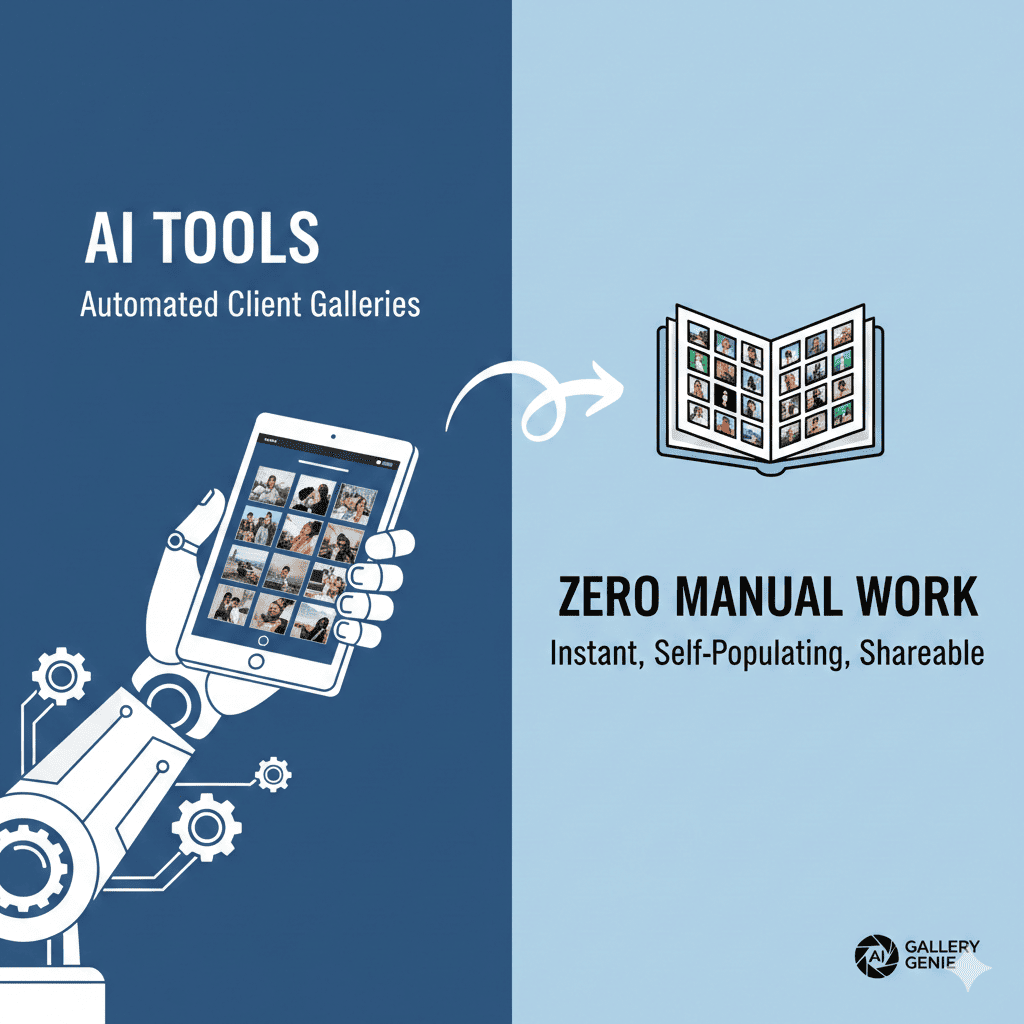
The photography industry has reached a breaking point. Professional photographers are spending 40-60% of their working hours on administrative tasks, with gallery creation and client delivery consuming the lion’s share of that time. What if you could create client galleries with zero manual work? Today’s AI-powered tools are making this dream a reality, transforming how photographers deliver their work and reclaim their creative time.
1. The Hidden Cost of Manual Gallery Creation
Before we dive into the solutions that create client galleries with zero manual work, let’s examine the real impact of traditional gallery workflows on your photography business.
Time Investment Analysis
The average photographer spends 3-5 hours per client session on post-delivery tasks. This breaks down into image selection, culling duplicates, basic edits, gallery setup, watermarking, client notification, and follow-up communication. For a photographer shooting 20 sessions monthly, that’s 60-100 hours of non-shooting work—equivalent to 2.5 full work weeks.
Financial Impact
When you calculate your hourly rate against administrative time, the numbers become stark. A photographer earning $3,000 per session who spends 4 hours on gallery work is effectively reducing their hourly rate by 30-40%. That’s thousands of dollars in lost potential revenue monthly, not to mention the opportunity cost of sessions you couldn’t book because of time constraints.
Creative Burnout
Perhaps the most insidious cost is creative exhaustion. When photographers spend more time managing galleries than shooting, passion erodes. The joy of photography gets buried under repetitive tasks, leading to decreased creativity and eventual burnout.
2. How AI Revolutionizes Gallery Creation
Artificial intelligence has fundamentally changed what’s possible in automated gallery management. Modern AI tools that create client galleries with zero manual work leverage multiple technologies working in concert.
Computer Vision Technology
AI-powered computer vision can analyze thousands of images in minutes, identifying technical quality markers like sharpness, exposure, and composition. These systems recognize faces, detect emotions, and understand scene context. They can distinguish between nearly identical shots and select the best version based on technical merit and aesthetic appeal.
Machine Learning Algorithms
Through machine learning, these systems learn your personal style preferences over time. The AI studies which images you historically select, understands your editing preferences, and adapts its selections to match your artistic vision. This creates a personalized assistant that becomes more accurate with each session you process.
Natural Language Processing
Advanced AI tools now incorporate natural language processing to generate gallery descriptions, email communications, and even respond to basic client questions. This automation extends beyond image selection into client relationship management.
Automated Workflow Integration
The most powerful aspect of AI gallery tools is their ability to integrate entire workflows. From initial import to final client delivery, these systems handle every step without human intervention, creating a seamless pipeline that runs while you focus on shooting.
3. Top AI Gallery Creation Tools That Eliminate Manual Work
Let’s explore the platforms that truly create client galleries with zero manual work, examining their unique capabilities and ideal use cases.
Imagen AI
Imagen AI represents the cutting edge of AI-powered editing and gallery creation. This platform learns your personal editing style by analyzing your previous work, then applies those preferences automatically to new images.
The system handles color correction, exposure adjustment, and stylistic consistency across entire sessions. For gallery creation, Imagen integrates with popular delivery platforms, automatically culling similar images and selecting the strongest shots. The AI considers technical quality, emotional resonance, and compositional strength in its selections.
Photographers report reducing post-processing time by 90%, with the AI handling everything from RAW import to final gallery publication. The learning curve is minimal—after training the AI on 3,000-5,000 of your edited images, it begins producing results indistinguishable from your manual work.
Aftershoot
Aftershoot focuses specifically on the culling process, using AI to eliminate the tedious task of selecting keeper images. The software analyzes facial expressions, sharpness, and composition, automatically grouping similar images and selecting the best from each group.
What sets Aftershoot apart is its speed and accuracy. The AI processes 1,000 images in under 60 seconds, marking keepers and rejects with remarkable precision. It identifies technical issues like blinks, poor focus, and unflattering expressions that might slip past a tired human reviewer.
The tool integrates seamlessly with major editing platforms, allowing automated export of selected images directly to your editing workflow or gallery platform. Photographers using Aftershoot report 80-90% time savings on culling, with accuracy rates exceeding 95% after initial calibration.
Pixieset with AI Features
Pixieset has evolved from a simple gallery platform into an AI-powered client management system. Its automated features handle gallery creation, client communication, and sales processes without manual intervention.
The platform’s AI automatically organizes images by event timeline, creates suggested gallery sections, and even recommends pricing based on image quality and client engagement patterns. Smart gallery templates adapt to image content, creating visually appealing presentations automatically.
Pixieset’s client favorite prediction feature uses AI to identify which images clients are most likely to purchase, helping photographers understand their market better. The system handles automated watermarking, download delivery, and print fulfillment, creating a truly hands-off experience from upload to final delivery.
PhotoDay
PhotoDay specializes in high-volume photography scenarios like schools, sports, and events. Its AI-powered facial recognition and automated sorting make it possible to create client galleries with zero manual work even for sessions with thousands of subjects.
The platform automatically sorts images by individual, creates personalized galleries, and sends customized notifications to each client. The AI handles duplicate detection, technical quality filtering, and even automated background replacement for school photos.
For event photographers, PhotoDay’s ability to process and deliver galleries within hours of shoot completion—completely automatically—represents a game-changing competitive advantage.
Narrative Select
Narrative Select takes a storytelling approach to AI-powered gallery curation. The platform analyzes not just individual image quality but the narrative flow of an entire session.
The AI understands photo essay structure, emotional arcs, and visual storytelling principles. It creates galleries that tell cohesive stories rather than simply displaying technically excellent images. This is particularly valuable for wedding, documentary, and editorial photographers who need to maintain narrative continuity.
Narrative Select’s AI considers image diversity, emotional progression, and climactic moments when building galleries, creating presentations that feel professionally curated rather than algorithmically selected.
4. Setting Up Your Zero-Manual-Work Gallery System
Implementing tools that create client galleries with zero manual work requires strategic planning and proper configuration. Here’s how to build an automated system that runs reliably.
Initial Configuration Steps
Begin by selecting your primary AI tool based on your photography niche and volume. Dedicate time to training the AI with your historical work—this investment pays dividends in long-term accuracy. Most platforms require 2,000-5,000 sample images to learn your style effectively.
Configure your workflow integration points, connecting your camera import system to your AI tool, your AI tool to your editing platform, and your editing platform to your gallery delivery system. Modern tools support API connections that enable this entire chain to operate automatically.
Set up your template preferences, including gallery layouts, branding elements, watermark specifications, and client communication templates. These templates allow the AI to maintain brand consistency while operating autonomously.
Workflow Automation Architecture
Create a folder structure that triggers automated actions. When images from a new session land in your import folder, your system should automatically begin the AI culling process. Once culling completes, selected images should automatically import to your editing platform.
After editing, images should automatically export to your gallery platform, where the AI applies your chosen template, adds watermarks, and publishes the gallery. Finally, the system should automatically send your customized email notification to the client with gallery access details.
This entire pipeline operates without intervention, allowing you to upload RAW files from a shoot and have a finished, client-ready gallery available within hours, completed while you sleep or shoot your next session.
Quality Control Mechanisms
Even in automated systems, quality assurance remains important. Implement spot-check procedures where you randomly review 10-15% of automated galleries to verify AI performance. Most platforms provide confidence scores for their selections, allowing you to review only borderline decisions.
Set up notification systems that alert you to unusual patterns, such as unusually high rejection rates or sessions with fewer keeper images than expected. These alerts help you catch technical issues or AI miscalibrations before clients see problems.
Create feedback loops by noting when AI selections differ from what you would have chosen. Most platforms allow you to correct selections, and the AI learns from these corrections, continuously improving its accuracy.
5. Advanced Features That Maximize Automation
Modern AI tools that create client galleries with zero manual work include sophisticated features that extend automation beyond basic image selection.
Intelligent Image Grouping
Advanced AI systems recognize image series and event sequences, automatically grouping related photos. For wedding photographers, this means automatic separation of getting ready, ceremony, reception, and portrait sessions. The AI understands scene changes, lighting transitions, and subject grouping to create logical gallery sections.
This grouping extends to family configurations in portrait sessions, automatically organizing images by family grouping and individual. Clients receive galleries that feel thoughtfully organized rather than chronologically dumped.
Predictive Client Preferences
Machine learning algorithms analyze which images clients historically favor, select, and purchase. These insights inform future selections, with the AI prioritizing image types that align with proven client preferences.
The system learns that certain demographics prefer specific styles, that clients typically select images where children are looking at the camera, or that bridal clients favor close-up emotional moments over wide venue shots. This market intelligence makes your galleries more commercially successful.
Automated Enhancement Pipelines
Beyond selection, AI tools now handle enhancement tasks like skin smoothing, teeth whitening, and blemish removal. These enhancements apply consistently across selected images, maintaining quality standards without manual retouching.
Advanced systems perform content-aware background cleanup, removing distracting elements, adjusting exposure for backlit subjects, and correcting color casts. The AI applies these enhancements selectively based on image content, ensuring natural results.
Dynamic Gallery Customization
AI analyzes gallery engagement metrics in real-time, adjusting presentation to maximize client satisfaction. If clients consistently skip certain image types, the AI learns to deprioritize similar images in future galleries.
The system automatically adjusts gallery pacing, balancing wide shots with close-ups, group photos with individuals, and formal poses with candid moments. This dynamic curation creates engaging viewing experiences that keep clients exploring your full gallery.
6. Integrating AI Galleries with Your Business Systems
To truly create client galleries with zero manual work, AI tools must connect seamlessly with your broader business infrastructure.
CRM Integration
Modern AI gallery platforms integrate with customer relationship management systems, automatically updating client records when galleries are delivered, viewed, or purchased from. This creates a unified client database without duplicate data entry.
The integration triggers automated follow-up sequences based on client engagement. If a client views their gallery but doesn’t purchase, the system automatically sends reminder emails. When clients complete purchases, the CRM logs the transaction and triggers fulfillment processes.
Payment Processing Automation
AI gallery systems now include intelligent pricing recommendations based on image quality, client profile, and historical purchase patterns. The system automatically applies appropriate pricing tiers, discounts, and package structures without manual configuration for each session.
Payment processing happens automatically when clients select images, with funds deposited to your account and digital downloads or print orders triggered without intervention. The system handles tax calculations, applies promotional codes, and manages currency conversions for international clients.
Calendar and Scheduling Synchronization
Advanced systems connect with your booking calendar, automatically creating gallery delivery timelines based on session dates. The AI considers your editing backlog and promised delivery times, scheduling gallery publication to meet commitments automatically.
When galleries publish, the system automatically updates client-facing status dashboards, sends notifications, and marks milestones in your project management tools. This keeps clients informed without requiring manual status updates.
Marketing Automation Triggers
Gallery delivery events trigger marketing automation sequences. When clients receive galleries, the system automatically requests reviews, sends referral incentive information, and adds clients to appropriate email marketing segments.
The AI analyzes which clients are most likely to provide referrals based on engagement metrics and purchase behavior, targeting high-potential advocates with personalized referral campaigns. This transforms gallery delivery from an endpoint into a marketing opportunity.
7. Maximizing ROI from Automated Gallery Systems
Implementing AI tools that create client galleries with zero manual work requires investment. Here’s how to ensure maximum return on that investment.
Time Value Calculation
Calculate your current time investment in gallery creation and multiply by your target hourly rate. For most professional photographers, this reveals 5,000-10,000 dollars monthly in time costs. AI automation tools typically cost 50-200 dollars monthly, creating immediate positive ROI even before considering revenue expansion opportunities.
The reclaimed time allows you to shoot more sessions, develop new revenue streams, or simply achieve better work-life balance. Photographers consistently report that time savings represent the most valuable benefit of automation.
Revenue Expansion Opportunities
With gallery creation automated, you can accept more bookings without extending work hours. A photographer who previously maxed out at 15 sessions monthly might comfortably handle 25 with automation, representing a 67% revenue increase without hiring staff.
The consistency and speed of automated galleries also improve client satisfaction scores, leading to increased referrals and repeat bookings. Photographers report 30-50% increases in referral business after implementing automated systems that deliver faster and more reliably.
Competitive Differentiation
Offering same-day or next-day gallery delivery creates significant competitive advantages. While competitors take 2-4 weeks for delivery, automated systems allow you to provide galleries within 24-48 hours, positioning you as the premium, efficient option in your market.
This speed particularly appeals to commercial clients and high-end consumers who value efficiency. Several photographers report winning corporate contracts specifically because automated systems allowed them to guarantee delivery speeds competitors couldn’t match.
Scaling Without Staff
Traditional photography businesses hit scaling limits quickly—one photographer can only shoot so many sessions, and gallery creation becomes a bottleneck. AI automation removes this bottleneck, allowing solo photographers to operate at volumes previously requiring 2-3 staff members.
This creates lifestyle businesses with high income but minimal overhead, or provides foundations for genuine scaling if you choose to hire additional photographers while AI handles post-production for the entire team.
8. Common Challenges and Solutions
While AI tools that create client galleries with zero manual work are powerful, implementing them successfully requires navigating several common challenges.
AI Accuracy Concerns
Many photographers initially worry about AI making selection mistakes. The solution lies in proper training and calibration. Dedicate time upfront to train the AI thoroughly with your work, and implement quality control spot-checks initially.
Most photographers find that after 5-10 sessions, AI accuracy meets or exceeds their own consistency, particularly for tedious culling tasks where human fatigue causes errors. The AI doesn’t get tired during hour five of reviewing images, maintaining consistent standards.
Client Perception Management
Some clients express concerns when they learn AI is involved in gallery creation. Frame this as enhanced technology that allows you to deliver better results faster, similar to how modern cameras use computational photography.
Emphasize that AI handles tedious technical tasks, freeing you to focus on creative direction and client relationships. Most clients care about results—beautiful galleries delivered quickly—not the tools used to create them.
Learning Curve Investment
Implementing automated systems requires upfront time investment that busy photographers resist. The solution is staged implementation: start with one automation component, master it, then add others progressively.
Begin with AI culling, which provides immediate time savings with minimal complexity. Once comfortable, add automated editing, then gallery publication, then client communication. This staged approach prevents overwhelm while building confidence in the technology.
Technical Integration Complexity
Connecting multiple platforms can present technical challenges. Most modern AI tools provide detailed setup guides and support teams to assist with integration. Many also offer done-for-you setup services for nominal fees.
Consider hiring a virtual assistant or photographer coach who specializes in workflow automation to configure your system initially. This investment pays for itself within weeks through time savings.
9. Future Trends in AI Gallery Automation
The technology that enables photographers to create client galleries with zero manual work continues evolving rapidly. Understanding upcoming trends helps you stay ahead of industry changes.
Predictive Shooting Assistance
Emerging AI systems analyze your gallery performance data to provide real-time shooting guidance. The AI knows which shot types clients prefer and purchase most frequently, alerting you during sessions when you’ve captured insufficient quantities of high-performing image types.
This closes the loop between gallery performance and shooting strategy, making you more commercially successful with each session. The AI essentially functions as a commercially-minded assistant director.
Automated Style Evolution
Future AI systems will track industry trends and client preference shifts, automatically adapting your gallery selections to align with evolving tastes. If client preferences shift toward more documentary-style candids, the AI adjusts its selections accordingly without waiting for manual recalibration.
This keeps your work feeling current and market-relevant without requiring conscious trend tracking on your part. The AI serves as your market research department.
Cross-Platform Intelligence
Emerging standards will allow AI systems to share learnings across different photography businesses, creating collective intelligence. Your AI benefits from millions of client interactions industry-wide, not just your personal session history.
Privacy-protected data sharing will help smaller photography businesses compete with large studios, democratizing access to market intelligence previously available only to high-volume operations.
Augmented Reality Gallery Experiences
AI tools are beginning to incorporate augmented reality features, automatically generating AR gallery experiences where clients preview how images will look in their homes. The AI analyzes room photos clients provide, automatically placing gallery images in realistic room scenes.
This technology dramatically increases print sales by helping clients visualize final products, removing the biggest obstacle to large print purchases—uncertainty about how images will look displayed.
Conclusion: Reclaiming Your Creative Life
The ability to create client galleries with zero manual work represents more than a productivity improvement—it’s a fundamental reimagining of what’s possible in photography business. AI automation tools free you from the administrative quicksand that drowns creative passion, returning photography to what it should be: a creative pursuit that provides financial abundance without sacrificing life quality.
Photographers who embrace these technologies report not just time savings, but renewed passion for their craft. When gallery creation no longer consumes evenings and weekends, photography becomes sustainable long-term. You can be present for your own life while building a thriving business.
The technology to create client galleries with zero manual work exists today, proven in thousands of photography businesses worldwide. The question isn’t whether these tools work—it’s whether you’re ready to reclaim your time and rediscover why you fell in love with photography. The future of photography isn’t about working harder; it’s about working smarter, letting AI handle the tedious while you focus on the magical.
Start with one tool, implement one automated workflow, and experience the transformation firsthand. Your future self—the one shooting more, earning more, and living more—will thank you for taking this step today.
Also read this:
AI Creates Cinematic Portrait Styles: The Future of Automated Cinematic Portrait Photography
Create Viral Aesthetic Photo Styles: How AI Helps You Build Viral Aesthetic Images
AI Tools That Help You Visualize Shoots Before You Take Them