
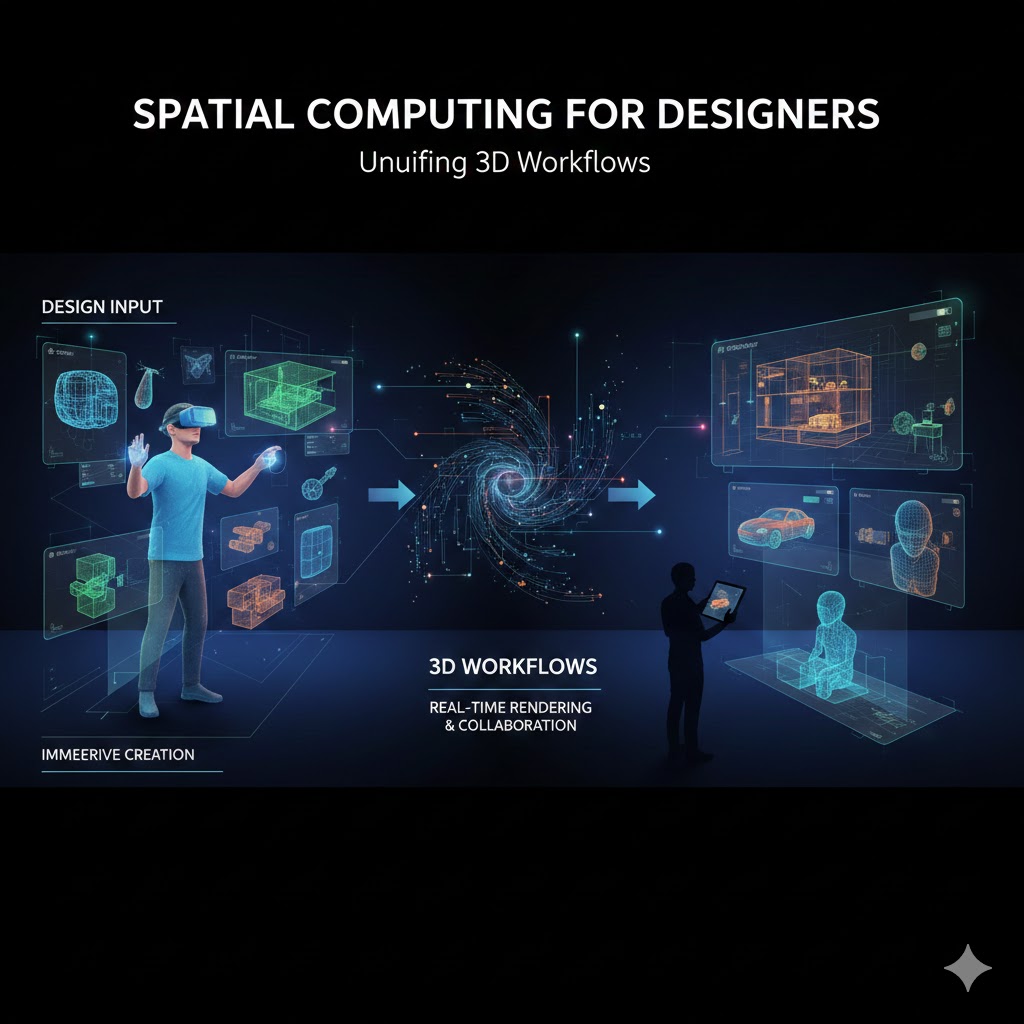
Spatial Computing for Designers Design is no longer confined to flat screens, static mockups, or rectangular frames. As immersive technologies mature, a new paradigm is taking shape—Spatial Computing for Designers. This shift allows designers to work directly within three-dimensional space, blending digital objects with physical environments and redefining how ideas are imagined, built, and experienced.
Spatial computing isn’t just about AR or VR headsets. It’s about a fundamental change in workflows—how designers think, prototype, test, and collaborate in 3D environments. For designers in 2026 and beyond, understanding Spatial Computing for Designers is becoming a competitive advantage rather than a niche skill.
This guide explores how spatial computing is transforming 3D workflows and what designers need to adapt successfully.
1. What Spatial Computing Means for Designers
Spatial computing refers to systems that understand and interact with the physical world in three dimensions. Instead of designing for a screen, designers now design within space.
For designers, this means:
- Creating objects that exist at real-world scale
- Designing interfaces that respond to movement, depth, and context
- Thinking beyond pixels toward volume, distance, and presence
Spatial Computing for Designers shifts the role from visual arranger to experience architect.
2. Why 3D Workflows Are Replacing 2D Thinking
Traditional design workflows move from wireframes to mockups to prototypes—mostly in 2D. Spatial workflows collapse these steps by allowing designers to prototype directly in 3D.
Key advantages include:
- Faster iteration at real scale
- Fewer translation errors between concept and execution
- Better understanding of user interaction in space
This is why Spatial Computing for Designers is accelerating adoption across product, UX, architecture, and industrial design.
3. Designing at Human Scale
One of the biggest mindset shifts in spatial computing is scale.
Instead of designing at 100% zoom on a screen, designers:
- Walk around their designs
- View objects from multiple angles
- Test reach, visibility, and comfort naturally
Designing at human scale improves ergonomics, usability, and emotional impact—something flat interfaces struggle to convey.
4. Immersive Prototyping and Rapid Iteration
Spatial tools allow designers to:
- Prototype environments instead of screens
- Test interactions in real time
- Make adjustments instantly while immersed
This changes feedback loops dramatically. Designers no longer guess how something will feel—they experience it.
In Spatial Computing for Designers, prototyping becomes experiential, not hypothetical.
5. Rethinking UI and UX in Three Dimensions
Designing for spatial environments requires rethinking interface fundamentals.
Key differences include:
- Depth replaces layers
- Gestures replace clicks
- Attention replaces navigation
- Context replaces menus
Designers must consider:
- Where content lives in space
- How users discover information naturally
- How long users can comfortably focus
Spatial UX is less about control and more about guidance—central to Spatial Computing for Designers.
6. Collaboration Inside Shared 3D Spaces
Spatial computing transforms collaboration by moving teams into shared virtual environments.
Benefits include:
- Real-time co-design in 3D
- Fewer misunderstandings between designers, engineers, and stakeholders
- Faster alignment across disciplines
Instead of reviewing designs through screenshots or presentations, teams step inside the work together.
This collaborative depth is a defining feature of Spatial Computing for Designers.
7. Blending Physical and Digital Materials
Spatial workflows allow designers to mix real-world materials with digital ones.
Examples include:
- Overlaying digital prototypes onto physical products
- Testing lighting and materials in real environments
- Designing installations that react to surroundings
This hybrid approach expands creative possibilities while grounding designs in reality.
8. New Skills Designers Must Develop
To succeed with Spatial Computing for Designers, new competencies matter.
Important skill areas include:
- Spatial awareness and composition
- Basic 3D modeling literacy
- Understanding motion and interaction in space
- Comfort with iterative experimentation
Designers don’t need to become engineers—but they do need spatial fluency.
9. Challenges Designers Face in Spatial Workflows
Spatial computing isn’t frictionless.
Common challenges include:
- Steeper learning curves
- Hardware accessibility
- Designing without established conventions
- Avoiding cognitive overload for users
These challenges require patience and thoughtful design—not shortcuts.
10. Why Spatial Computing Is the Next Design Standard
Just as mobile-first design reshaped the 2010s, spatial-first thinking is shaping the next decade.
As AR glasses, mixed reality devices, and spatial interfaces become mainstream:
- 3D workflows will feel normal
- Spatial experiences will replace many screens
- Designers who adapt early will lead
Spatial Computing for Designers isn’t about abandoning 2D—it’s about expanding design into lived space.
Who Should Learn Spatial Computing Now
Spatial workflows benefit:
- UX/UI designers
- Product and industrial designers
- Architects and interior designers
- Game and experience designers
- Creative technologists
If your work involves human interaction, spatial computing will touch it.
Frequently Asked Questions (FAQ)
What is Spatial Computing for Designers?
It refers to designing experiences, interfaces, and products that exist and interact in three-dimensional space rather than flat screens.
Do designers need to learn coding for spatial computing?
Not necessarily. Understanding spatial design principles and 3D thinking is more important than coding.
Is spatial computing only for AR and VR?
No. It also includes mixed reality, 3D interfaces, and context-aware digital systems.
Are spatial workflows replacing traditional design tools?
They complement them. Many designers use hybrid workflows combining 2D and 3D tools.
Is Spatial Computing for Designers relevant in 2026?
Yes. It’s becoming increasingly relevant as immersive technologies move into mainstream use.
What’s the biggest shift designers must make?
Thinking in volume, movement, and presence instead of static layouts.
Final Thoughts
Spatial Computing for Designers represents a profound shift in how design is imagined and executed. It moves design from surfaces into space, from abstraction into experience, and from observation into participation.
Designers who embrace 3D workflows won’t just design what users see—they’ll design what users inhabit. And in a world where digital experiences are becoming physical, that distinction matters more than ever.
Also read this:
AI Skills and Tools You Need for Future-Proof Careers in 2026