
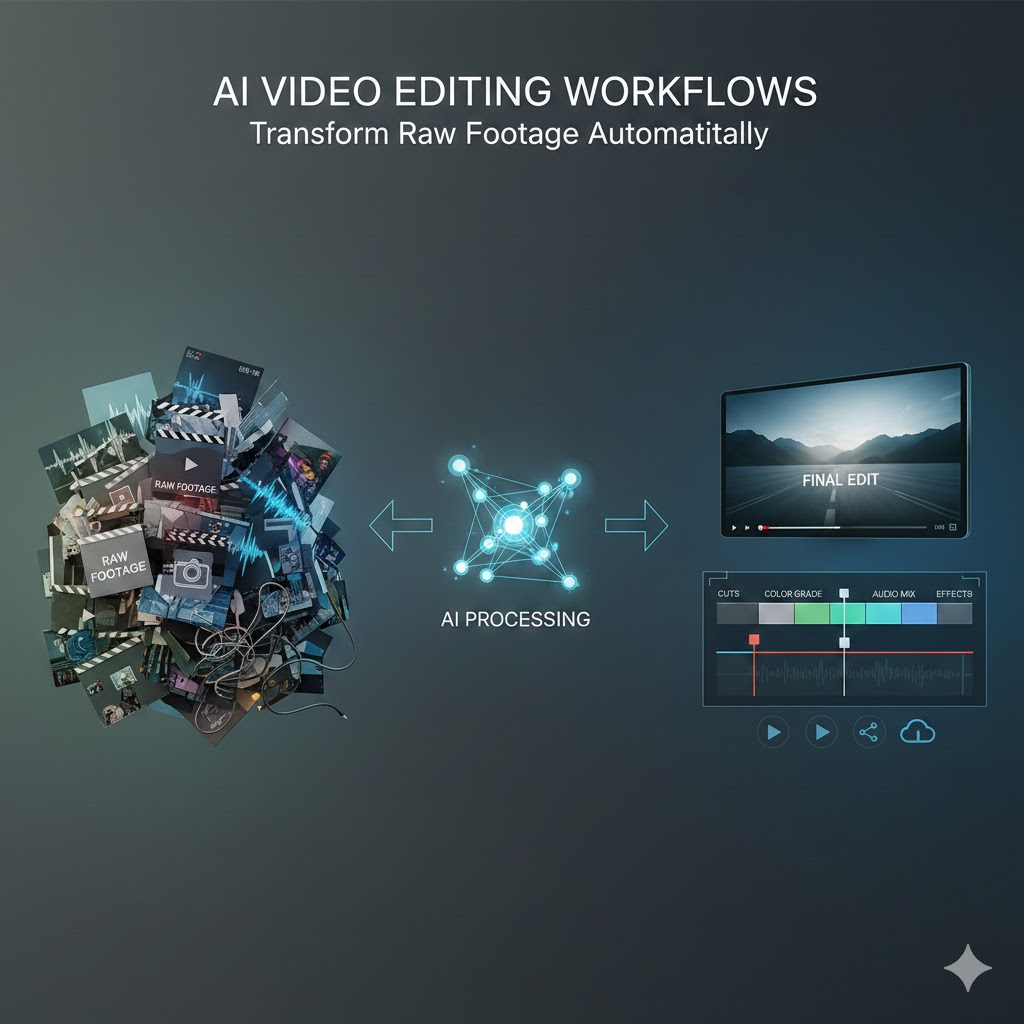
The landscape of video content creation has undergone a revolutionary transformation. Where editors once spent countless hours manually cutting, color grading, and assembling footage, artificial intelligence now handles these tasks with unprecedented speed and precision. AI video editing workflows have emerged as the cornerstone of modern content production, enabling creators to transform raw footage into polished, professional videos automatically.
This comprehensive guide explores how AI video editing workflows are reshaping the industry, offering practical insights into implementation, tools, and techniques that can dramatically reduce your production time while maintaining exceptional quality standards.
1. Understanding the Foundation of AI Video Editing Workflows
AI video editing workflows represent a fundamental shift in how we approach post-production. These intelligent systems leverage machine learning algorithms to analyze footage, identify key moments, and execute editing decisions that traditionally required human expertise.
The Core Components
Modern AI video editing workflows consist of several interconnected technologies working in harmony. Computer vision algorithms scan through footage to detect faces, objects, and scene changes. Natural language processing interprets spoken content and generates accurate transcriptions. Deep learning models understand context, emotion, and narrative flow to make sophisticated editing decisions.
How Automation Changes Everything
The automation capabilities within these workflows extend far beyond simple cuts and transitions. AI systems can now recognize emotional beats, identify the most compelling camera angles, and even understand the pacing requirements for different content types. This intelligence allows the software to make nuanced decisions about which clips to keep, how long each segment should run, and where to place emphasis for maximum viewer engagement.
2. Intelligent Content Analysis and Organization
Before any editing begins, AI video editing workflows excel at understanding and categorizing your raw footage. This initial analysis phase sets the foundation for all subsequent automation.
Automatic Scene Detection and Categorization
AI algorithms scan through hours of footage within minutes, identifying distinct scenes based on visual changes, audio cues, and content patterns. The system automatically tags scenes by location, lighting conditions, and subject matter. For instance, if you’ve filmed a wedding, the AI recognizes ceremony moments, reception activities, and candid interactions without manual sorting.
Facial Recognition and Speaker Identification
Advanced facial recognition technology within AI video editing workflows tracks individuals throughout your footage. The system creates a database of every person who appears on camera, making it effortless to find all shots featuring specific individuals. For interview-based content, speaker identification pairs faces with voices, automatically organizing content by contributor.
Quality Assessment and Shot Selection
AI evaluates technical quality metrics including sharpness, exposure, color balance, and stability. The system flags problematic footage while highlighting your best takes. This quality scoring helps prioritize shots during the editing process, ensuring your final product features the strongest available footage.
3. Automated Editing Techniques That Save Time
The true power of AI video editing workflows becomes apparent when automation handles the labor-intensive aspects of editing that traditionally consumed hours of manual work.
Smart Rough Cut Generation
AI systems analyze your footage and create initial rough cuts based on predefined parameters or learned preferences. The software understands narrative structure, identifying introduction-worthy material, building tension through pacing, and recognizing natural conclusion points. Within minutes, you have a coherent first draft that would have taken hours to assemble manually.
Intelligent B-Roll Integration
For narrative content, talking head interviews, or documentary footage, AI automatically suggests and places relevant b-roll footage. The system analyzes spoken content, identifies keywords and concepts, then searches your footage library for visually relevant material. This contextual understanding ensures b-roll enhances rather than distracts from your primary content.
Automatic Multi-Camera Switching
When working with multi-camera shoots, AI video editing workflows analyze all camera angles simultaneously. The system identifies the most compelling angle for each moment based on action, speaker activity, and composition rules. It creates dynamic cuts between cameras, maintaining professional pacing and visual interest without tedious manual switching.
Audio-Driven Editing Decisions
AI systems use audio analysis to inform editing choices. The software detects music beats for rhythmic cutting, identifies natural pauses in speech for clean edits, and recognizes applause or laughter to capture audience reactions. This audio intelligence ensures edits feel natural and maintain proper timing.
4. Advanced Audio Processing and Enhancement
Sound quality can make or break video content, and AI video editing workflows bring professional-grade audio processing to creators at all levels.
Automatic Noise Reduction and Cleanup
AI-powered noise reduction identifies and eliminates unwanted sounds while preserving voice quality. The system distinguishes between speech and background noise, removing air conditioning hum, traffic sounds, or microphone handling noise. Unlike traditional noise gates, AI processing maintains natural sound characteristics while dramatically improving clarity.
Intelligent Audio Leveling
Consistent audio levels across different clips pose significant challenges in manual editing. AI video editing workflows analyze the entire project, automatically normalizing volume levels so dialogue remains consistent, music doesn’t overpower speech, and sudden volume spikes don’t startle viewers. The system applies sophisticated compression and limiting techniques that professional audio engineers typically handle manually.
Voice Enhancement and Clarity Optimization
AI algorithms enhance vocal clarity through intelligent equalization and processing. The system analyzes voice characteristics and applies customized enhancement to improve presence and intelligibility. For content featuring multiple speakers, the AI can maintain distinct voice characteristics while ensuring everyone sounds clear and professional.
Automatic Transcription and Subtitle Generation
Speech recognition technology transcribes spoken content with impressive accuracy, generating subtitles and captions automatically. AI video editing workflows time these subtitles precisely to the spoken word, breaking lines at natural linguistic points for optimal readability. The system even identifies different speakers and can format subtitles accordingly.
5. Color Grading and Visual Enhancement
Visual consistency and aesthetic appeal require significant expertise in traditional workflows. AI democratizes professional color grading and visual enhancement.
Automatic Color Correction
AI analyzes each clip’s color characteristics and applies corrections to achieve proper white balance, exposure, and color temperature. The system recognizes skin tones and ensures they render naturally while correcting other color imbalances. This automatic correction creates visual consistency across clips shot under varying lighting conditions.
Style Transfer and Look Creation
AI video editing workflows can apply sophisticated color grades and visual styles with a single click. The system analyzes reference images or existing graded footage, then applies that aesthetic across your entire project. Whether you want cinematic warmth, high-contrast drama, or vintage film looks, AI maintains stylistic consistency while adapting the grade to each clip’s unique characteristics.
Intelligent Exposure Adjustment
Beyond simple brightness correction, AI systems perform targeted exposure adjustments. The software identifies faces and subjects of interest, ensuring they’re properly exposed even when correcting overall image brightness. This selective processing prevents common issues like blown-out highlights or crushed shadows in important areas.
Automatic Shot Stabilization
Shaky footage becomes smooth through AI-powered stabilization that analyzes camera movement across frames. The system distinguishes between intentional camera moves and unwanted shake, applying corrections that maintain your intended framing while eliminating jitter and vibration.
6. Content-Aware Automation for Different Video Types
Different content types require distinct editing approaches, and AI video editing workflows adapt their processing based on genre and purpose.
Social Media Optimization
When creating content for social platforms, AI automatically reformats footage for various aspect ratios, identifying the most important visual elements to keep in frame. The system generates platform-specific versions optimized for Instagram, TikTok, YouTube, and Facebook, complete with proper dimensions and duration constraints.
Interview and Talking Head Editing
For interview content, AI removes filler words, awkward pauses, and verbal stumbles while maintaining natural conversational flow. The system identifies strong soundbites, can automatically create highlight reels, and ensures eye lines and framing remain consistent throughout.
Event Coverage Automation
AI video editing workflows excel at event coverage by identifying key moments like speeches, performances, or ceremonial activities. The system creates both comprehensive edits that capture the full event and condensed highlight packages that showcase essential moments.
Tutorial and Educational Content
For instructional videos, AI recognizes demonstration sequences, can add automatic callouts or highlights to important visual elements, and structures content logically based on instructional flow. The system ensures demonstrations are clearly visible and properly paced for learning.
7. Implementing AI Video Editing Workflows in Your Production
Successfully integrating AI video editing workflows requires strategic planning and understanding of how these tools fit into your existing processes.
Choosing the Right AI Tools
The market offers numerous AI video editing solutions, each with distinct strengths. Cloud-based platforms provide powerful processing without hardware limitations, ideal for teams and remote collaboration. Desktop applications offer more control and work offline, suitable for those with privacy concerns or limited internet connectivity. Specialized AI plugins integrate into existing editing software, allowing you to add automation to familiar interfaces.
Establishing Efficient Workflows
Effective implementation of AI video editing workflows starts with proper footage organization. Create consistent folder structures and naming conventions that AI systems can parse effectively. Import footage with relevant metadata, including shoot dates, locations, and project information. This organizational foundation allows AI to work more intelligently with your content.
Training AI on Your Editing Style
Many AI systems learn from your editing decisions over time. By reviewing and refining AI-generated edits, you teach the system your preferences regarding pacing, style, and content selection. This machine learning capability means AI video editing workflows become increasingly aligned with your creative vision through continued use.
Balancing Automation with Creative Control
While automation saves time, maintaining creative oversight remains essential. Establish review points where you evaluate AI decisions, making adjustments that align with your creative intent. Use AI for time-consuming technical tasks while reserving creative decisions for human judgment.
8. Overcoming Common Challenges and Limitations
Understanding the current limitations of AI video editing workflows helps set realistic expectations and develop strategies to maximize their effectiveness.
Handling Complex Narrative Structures
AI excels at pattern recognition and technical processing but struggles with complex storytelling that requires deep contextual understanding. For narrative projects with intricate plot structures or emotional arcs, use AI for technical tasks like color grading and audio cleanup while maintaining manual control over story-driven editing decisions.
Managing AI Accuracy and Quality Control
Despite impressive capabilities, AI systems make occasional errors in judgment. Implement quality control checkpoints where human editors review AI decisions, particularly for client work or high-stakes projects. Understanding that AI video editing workflows produce strong drafts rather than finished products helps maintain appropriate quality standards.
Addressing Processing Time and Resource Requirements
While AI saves editing time, the initial processing phase can be resource-intensive. Plan your workflow to allow AI processing during off-hours or while working on other tasks. Cloud-based solutions distribute processing load, while local processing requires adequate computing power to run efficiently.
Maintaining Artistic Authenticity
Some creators worry that automation diminishes creative authenticity. Remember that AI video editing workflows serve as powerful assistants, not creative replacements. The technology handles technical execution, freeing you to focus on creative decisions that define your unique voice and style.
9. Future Developments in AI Video Editing
The trajectory of AI video editing workflows points toward increasingly sophisticated capabilities that will further transform content creation.
Emerging AI Capabilities
Next-generation systems will offer real-time collaboration features where AI assists multiple editors simultaneously, learning from team preferences to maintain consistent style across collaborative projects. Enhanced emotional intelligence will enable AI to recognize subtle performance nuances, selecting takes based on actor performance quality rather than purely technical metrics.
Integration with Production Workflows
Future AI video editing workflows will extend beyond post-production, integrating with on-set processes. AI could provide real-time feedback during filming, alerting directors to coverage gaps or suggesting additional shots for editorial flexibility. This production-to-post integration will streamline entire projects from capture through final delivery.
Personalization and Adaptive Content
AI will enable dynamic content that adapts to individual viewers, automatically creating personalized edits based on viewer preferences, attention patterns, and engagement metrics. This personalization extends AI video editing workflows into distribution and optimization phases.
Also read this:
Creating Viral Video Atmosphere Using Prompt-Based AI Sound Effects: A Complete Guide
AI Video Editing: Automatically Matching Sound Effects to Scenes – The Future of Content Creation
How to Add AI Sound Effects to Any Video in Seconds: The Complete Creator Workflow Guide