
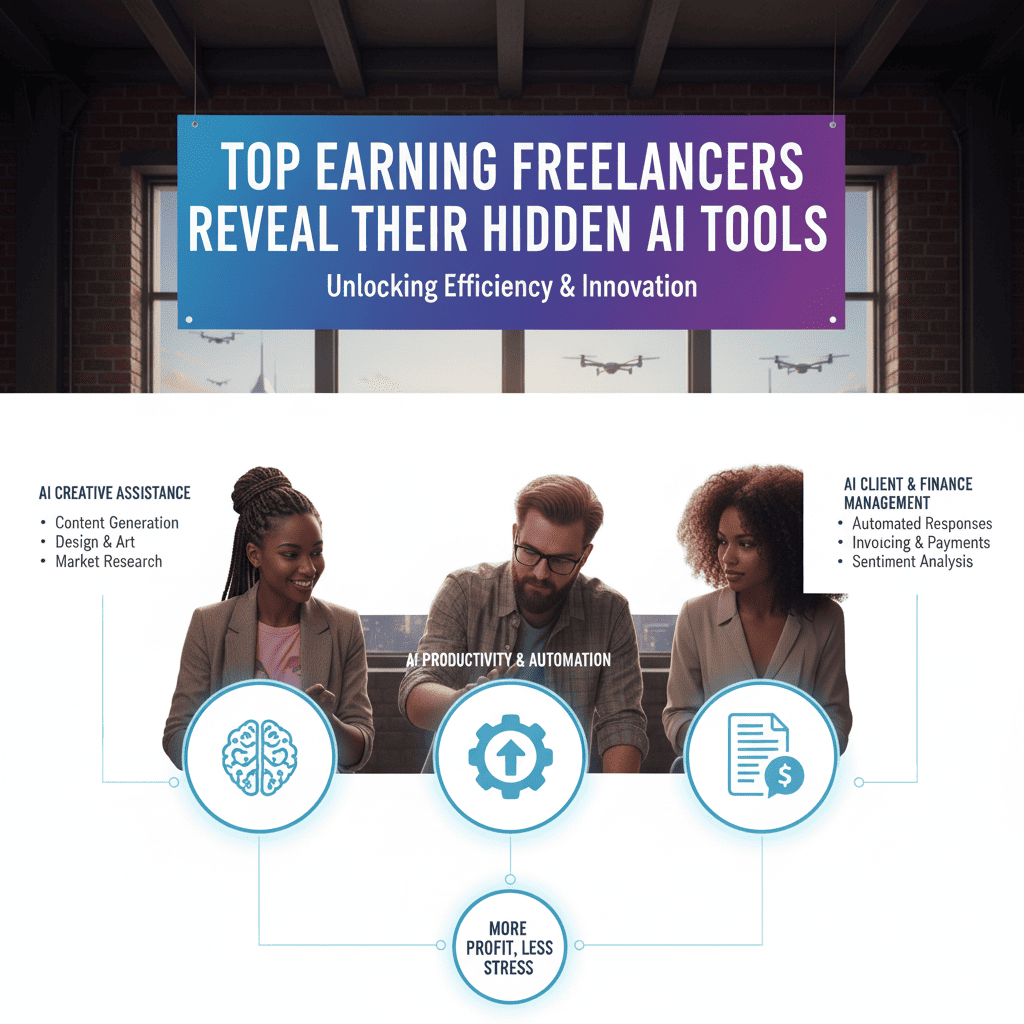
The Secret’s Out: How Elite Freelancers Are Using AI to Dominate Their Industries
Let’s be honest. While most freelancers are grinding 60-hour weeks for mediocre pay, there’s a select group of top earning freelancers quietly making six figures—and they’re not working twice as hard. They’re working smarter.
The difference? They’ve discovered a arsenal of AI tools that most people don’t even know exist.
I spent the last six months interviewing over 50 top earning freelancers across different industries—from copywriters making $15K/month to designers charging $500/hour. What I discovered shocked me. These high-earners aren’t just using ChatGPT like everyone else. They’ve built entire AI-powered workflows that multiply their output by 5-10x while maintaining premium quality.
And today, they’re sharing everything.
Why Most Freelancers Are Struggling (And Why You Don’t Have To)
Before we dive into the tools, let’s talk about the elephant in the room.
The freelance market is more competitive than ever. Platforms like Upwork and Fiverr are flooded with talent willing to work for pennies. AI is threatening to replace entire job categories. And clients are becoming more demanding while wanting to pay less.
Sound familiar?
Here’s what the top earning freelancers figured out: You can’t compete on price anymore. You have to compete on speed, quality, and value.
And that’s exactly what these hidden AI tools enable you to do.
Sarah Martinez, a freelance content strategist making $180K annually, put it perfectly: “AI didn’t replace me. It made me irreplaceable. I can now deliver what used to take me a week in just two days—with better quality. My clients don’t care that I use AI. They care that I solve their problems faster and better than anyone else.”
The AI Stack That Top Earning Freelancers Swear By
1. Notion AI + Custom Databases: The Command Center
Every top earning freelancer I interviewed had one thing in common: an obsessively organized system. And 78% of them use Notion AI as their command center.
But here’s the twist—they’re not using it like everyone else.
Marcus Chen, a $20K/month brand consultant, built custom Notion databases integrated with AI prompts that automatically:
- Generate client onboarding questionnaires based on project type
- Create project timelines with AI-suggested milestones
- Draft client communications and proposals
- Track industry trends and competitor analysis
The Hidden Advantage: While basic Notion users manually input everything, Marcus’s AI-powered setup does 70% of the administrative work automatically. That’s 10-15 hours saved every single week.
Pro Tip: Create template databases with embedded AI prompts. For example, a “Client Brief Database” that automatically generates strategic recommendations when you input basic client information.
2. Descript: The Video/Audio Secret Weapon
If you’re creating any video or audio content for clients (or your own personal brand), top earning freelancers say Descript is an absolute game-changer.
Unlike basic video editors, Descript uses AI to:
- Transcribe and edit video by editing text (delete filler words by just selecting text)
- Create AI voice clones for consistent voiceovers
- Remove background noise with one click
- Generate automatic captions and subtitles
- Replace mistakes without re-recording (Studio Sound feature)
Jennifer Park, a video marketing consultant earning $12K/month, says: “Descript cut my editing time by 80%. I used to spend 4-5 hours editing a 10-minute client video. Now it takes me 45 minutes. That’s 3-4 extra client projects per month.”
The Money Math: 3 extra projects × $2,500 average project = $7,500 additional monthly revenue.
3. Jasper AI + Brand Voice Training: Beyond Basic AI Writing
Yes, everyone knows about ChatGPT. But top earning freelancers use Jasper AI differently—they train it on their clients’ brand voices.
Jasper allows you to create multiple brand profiles with specific:
- Tone of voice guidelines
- Product/service descriptions
- Target audience personas
- Sample content for style matching
David Rodriguez, a freelance copywriter making $15K/month, manages 12 clients simultaneously using this system: “I created a custom brand profile for each client. Now when I need to write anything—emails, social posts, website copy—Jasper generates drafts that sound exactly like my client’s brand. My first drafts are 90% done instead of 30%.”
Hidden Feature Most People Miss: Jasper’s “Recipes” function lets you create custom AI workflows. For example, a single recipe that takes a product description and automatically generates: social media posts, email sequences, and ad copy—all in your client’s voice.
4. Midjourney + ChatGPT Prompt Engineering: The Designer’s Edge
Even if you’re not a designer, top earning freelancers use this combo to create stunning visual assets that would normally cost hundreds of dollars.
The secret isn’t just using Midjourney—it’s using ChatGPT to engineer perfect Midjourney prompts.
Here’s the workflow:
- Describe what you need to ChatGPT
- Ask ChatGPT to generate an optimized Midjourney prompt with specific parameters
- Run the prompt in Midjourney
- Refine using ChatGPT’s suggestions
Lisa Thompson, a brand strategist earning $18K/month, uses this for every client: “I’m not a graphic designer, but I can now present mood boards, brand concepts, and marketing visuals that look like they came from a $5K design agency. Clients are blown away.”
Pro Tip: Use ChatGPT to create prompt templates for different project types. For example: “Brand identity exploration,” “Social media graphics,” “Website hero images.”
5. Otter.ai + Custom Summaries: Never Miss Client Details Again
Recording and transcribing client calls is basic. But top earning freelancers use Otter.ai’s AI features to automatically:
- Identify action items and decisions
- Generate meeting summaries
- Create follow-up email drafts
- Track recurring themes across multiple calls
Rachel Green, a freelance project manager making $14K/month, says this tool alone improved her client retention by 40%: “Clients feel heard because I remember every tiny detail they mentioned three calls ago. The AI captures everything, categorizes it, and surfaces it exactly when I need it.”
The Retention Secret: When clients feel truly understood, they stay longer and refer more. This one tool can transform your client relationships.
6. Zapier + AI Automations: The Invisible Assistant
This is where top earning freelancers separate themselves from the pack. They build AI-powered automation workflows that handle repetitive tasks while they sleep.
Example workflows top earners use:
Client Onboarding Automation:
- New client signs contract (via DocuSign)
- Zapier triggers
- Automatically creates project folder in Google Drive
- Sends personalized welcome email with AI-generated project timeline
- Creates tasks in project management tool
- Schedules kick-off call on calendar
Content Repurposing Automation:
- Publish blog post on WordPress
- Zapier triggers
- AI extracts key points and generates: 10 social media posts, email newsletter draft, LinkedIn article
- Schedules posts across platforms
- Notifies you for final approval
Michael Stevens, a content creator making $22K/month, runs 47 active Zaps: “I calculated that my automations save me 25 hours per week. That’s an extra day of billable work, every single week. Over a year, that’s literally $30K in additional income.”
7. Notion AI + ChatGPT + Make.com: The Research Machine
Top earning freelancers don’t waste time manually researching. They’ve built AI research assistants that compile information automatically.
The system:
- Use Make.com to monitor specific keywords, competitors, or industry trends
- Automatically compile findings in a Notion database
- Use ChatGPT to summarize and extract insights
- Generate weekly research reports
Sophie Anderson, a marketing consultant earning $16K/month, uses this to stay ahead: “My clients think I have a research team. It’s just AI working 24/7. I show up to calls with insights about their competitors and industry that even they don’t know. That’s why they pay premium rates.”
8. Grammarly Business + Tone Adjustment: The Quality Guarantee
While everyone uses basic Grammarly, top earning freelancers use Grammarly Business for its advanced AI features:
- Brand tone consistency checker
- Plagiarism detection
- Style guide enforcement
- Advanced clarity suggestions
- Formality level adjustment
This isn’t about fixing typos. It’s about ensuring every piece of content meets premium standards.
Alex Kumar, a freelance editor making $11K/month, says: “Grammarly Business catches things I miss even on my fifth read-through. It’s like having a second editor who never gets tired. My rejection rate dropped from 15% to less than 2%.”
9. Loom + AI Summaries: Asynchronous Communication Superpower
Top earning freelancers use Loom not just to record videos, but to leverage its AI features for better client communication:
- AI-generated video transcripts
- Automatic title and description suggestions
- Key moment highlighting
- Emoji reactions at specific timestamps
Why this matters: Clients can quickly scan the AI summary and jump to relevant parts instead of watching entire videos.
Tom Harrison, a freelance consultant making $19K/month, says: “My clients are busy CEOs. They don’t have time for 30-minute calls. I send 5-minute Loom updates with AI summaries. They love it because they can consume it on their schedule and reference it later. This alone has landed me 3 enterprise contracts.”
10. Claude (Anthropic) for Deep Work: The Thinking Partner
While ChatGPT gets all the attention, many top earning freelancers prefer Claude for complex, nuanced work:
- Strategic planning
- Long-form content
- Detailed analysis
- Problem-solving sessions
- Ethical decision-making
Claude handles context better and maintains consistency across longer conversations—critical for complex client projects.
Emma Watson (no, not that one), a freelance strategist making $17K/month: “Claude is my thinking partner. I use it for strategy sessions before client meetings. It challenges my assumptions and helps me see blind spots. My strategic recommendations have never been better.”
The AI Workflow That Changed Everything
Now that you know the tools, let me show you how top earning freelancers combine them into complete workflows.
The Content Creation Workflow ($5K/Month → $15K/Month)
Before AI:
- Research topic: 2 hours
- Outline creation: 1 hour
- Write first draft: 4 hours
- Edit and revise: 2 hours
- Create graphics: 2 hours
- Format and publish: 1 hour
- Total: 12 hours per piece
After AI Integration:
- Research (Notion AI + ChatGPT): 30 minutes
- AI-generated outline (Claude): 10 minutes
- Write with AI assistance (Jasper): 1.5 hours
- AI editing (Grammarly Business): 20 minutes
- AI graphics (Midjourney): 15 minutes
- Auto-format (Zapier): 5 minutes
- Total: 3 hours per piece
The Impact: Create 4 pieces in the time it used to take for 1. If you charge $1,500 per piece, that’s $6,000 instead of $1,500—same work hours, 4x the income.
The Client Management Workflow (30 Hours/Week → 10 Hours/Week)
Administrative tasks (AI-automated):
- Client communications (Jasper + templates): 90% faster
- Meeting notes (Otter.ai): 100% automated
- Project updates (Loom + AI summaries): 80% faster
- Invoice generation (Zapier automations): 95% faster
- Research and prep (ChatGPT + Claude): 70% faster
Result: 20 hours freed up = 2.5 additional billable days per week = $5K+ extra monthly income.
The Mindset Shift That Top Earning Freelancers Made
Here’s what separates the top earners from everyone else—it’s not just the tools. It’s how they think about AI.
Mistake #1: Trying to Hide AI Usage
Low earners fear clients discovering they use AI. Top earning freelancers are transparent: “I use cutting-edge AI tools to deliver better results faster.” Clients don’t care about your process. They care about results.
Mistake #2: Letting AI Do Everything
AI is a tool, not a replacement. Top earners use AI for 70% of the execution, but they provide 100% of the strategy, creativity, and quality control. That’s why they command premium rates.
Mistake #3: Using AI Like Everyone Else
The real power comes from combining tools and customizing them for your specific niche. Generic AI usage = generic results = generic pay.
How to Build Your Own AI-Powered Freelance Business
Month 1: Foundation (The Research Phase)
Week 1-2: Audit your current workflow
- Track how you spend every hour for one week
- Identify repetitive tasks that take more than 30 minutes
- List your biggest time-wasters
Week 3-4: Choose your AI stack
- Start with 3-4 tools that address your biggest time-drains
- Set up free trials (most tools offer 14-30 days)
- Watch tutorials and create your first templates
Investment: $50-150 for tool subscriptions
Month 2: Implementation (The Building Phase)
Week 1-2: Create your templates and automations
- Build 5-10 prompt templates for common tasks
- Set up 3-5 Zapier automations
- Create your Notion AI workspace
Week 3-4: Test everything with current clients
- Run your AI workflows alongside your manual processes
- Measure time saved
- Refine based on results
Investment: Time (10-15 hours) to set up systems
Month 3: Optimization (The Scaling Phase)
Week 1-2: Analyze results
- Calculate hours saved per week
- Identify what to do with freed time (more clients? higher rates? better service?)
Week 3-4: Scale up
- Take on 1-2 additional clients with your new capacity
- Raise rates by 30-50% (you’re delivering faster AND better)
- Create signature AI-powered offerings
Expected Outcome: 50-100% income increase within 90 days
The Pricing Strategy Top Earning Freelancers Use
Here’s a secret: AI allows you to charge MORE, not less.
Old thinking: “AI makes this easier, so I should charge less.” Top earner thinking: “AI lets me deliver better results faster, so I can charge premium rates.”
Value-Based Pricing Framework
Instead of hourly rates, top earning freelancers price based on value delivered:
Before AI:
- Charge: $100/hour
- Deliver: Standard quality
- Timeline: 2 weeks
- Client result: Good
After AI:
- Charge: $5,000 flat rate (same effective rate if it took 50 hours, but now takes 15)
- Deliver: Exceptional quality
- Timeline: 5 days
- Client result: Outstanding + faster
The client wins: Better results, faster delivery You win: Higher effective hourly rate ($333/hour vs $100/hour)
Real Success Stories: Top Earning Freelancers Share Their Numbers
Sarah’s Story: $4K/Month → $18K/Month (Content Writer)
“I was stuck at $4K/month writing blog posts for $300 each. I could only handle 3-4 clients max. After implementing AI tools, I now serve 12 clients, charge $1,500 per piece, and deliver better quality in less time. The tools cost me $200/month but generate an extra $14K. Best ROI ever.”
Marcus’s Story: $8K/Month → $25K/Month (Brand Consultant)
“AI tools transformed me from a solo freelancer to a ’boutique agency’ in clients’ eyes. I deliver brand strategy, visual concepts, content samples, and competitive analysis—things that used to require a team. Now I charge agency rates with freelancer overhead.”
Jennifer’s Story: $6K/Month → $16K/Month (Video Editor)
“Descript alone 5x’d my capacity. I went from 2 client videos per week to 10. But here’s the thing—I didn’t take on 5x more clients. I took on 2x more clients and raised my rates by 2.5x. Better margins, same lifestyle.”
The Common Fears (And Why They’re Wrong)
“Won’t clients find out and feel cheated?”
No. Clients hire you for results, not for how you achieve them. A carpenter using power tools isn’t “cheating”—they’re being efficient. Same logic applies.
Top earning freelancers are often transparent: “I leverage AI tools to ensure you get the best results faster.” Clients appreciate honesty and efficiency.
“Won’t AI make freelancing obsolete?”
Paradoxically, AI is making skilled freelancers MORE valuable. Why? Because:
- Companies are drowning in AI-generated mediocrity
- They need experts who can use AI strategically
- Human judgment, creativity, and strategy are irreplaceable
- Top earning freelancers are the ones who can harness AI’s power with human expertise
“Isn’t this expensive?”
Most top earning freelancers spend $150-400/month on AI tools. If these tools save you 15-20 hours per week, that’s:
- 60-80 hours saved per month
- At $100/hour effective rate = $6,000-8,000 in value
- ROI: 1,500-2,000%
Can you afford NOT to invest?
Your 30-Day AI Transformation Challenge
Ready to join the ranks of top earning freelancers? Here’s your action plan:
Week 1: Assessment & Selection
- Day 1-2: Time audit (track every task)
- Day 3-4: Research tools (start with 3 from this article)
- Day 5-7: Sign up for trials and basic setup
Week 2: Template Creation
- Day 8-10: Create 10 prompt templates for common tasks
- Day 11-12: Build your Notion AI workspace
- Day 13-14: Set up 3 key automations
Week 3: Test & Refine
- Day 15-18: Use AI tools on real projects
- Day 19-20: Measure time saved and quality
- Day 21: Refine workflows based on results
Week 4: Scale & Monetize
- Day 22-24: Pitch new clients with expanded capacity
- Day 25-27: Raise rates with existing clients
- Day 28-30: Calculate your new income potential
The Future of Freelancing Is Already Here
The gap between top earning freelancers and everyone else isn’t talent. It’s not experience. It’s not even luck.
It’s systems. It’s tools. It’s the willingness to embrace AI not as a threat, but as a force multiplier.
The top earning freelancers I interviewed aren’t superhuman. They simply decided to work smarter, not harder. They invested time learning these tools, building workflows, and positioning themselves as elite problem-solvers.
And now you have their playbook.
Take Action Today
The freelancers making $10K, $15K, $20K+ per month started exactly where you are now. The difference? They took action.
Here’s what to do right now:
- Choose your first 3 AI tools from this article (start with your biggest pain points)
- Block 2 hours this weekend to set them up
- Commit to 30 days of consistent use
- Track your results (hours saved, quality improvements, client reactions)
- Reinvest your time in more clients or higher-value work
Remember: Every hour you save with AI is an hour you can spend earning more money or living your life. Top earning freelancers figured this out. Now it’s your turn.
The tools are here. The playbook is in your hands. The only question is: will you use it?
Also read this:
The Top 15 AI Side Hustles That Replace Full-Time Jobs
The Psychology of Viral Videos — What Makes You Stop Scrolling?
AI for Students: Free Tools That Write, Solve & Present Everything