
Convert 2D Logo to 3D Using AI: A Complete Guide for 2025
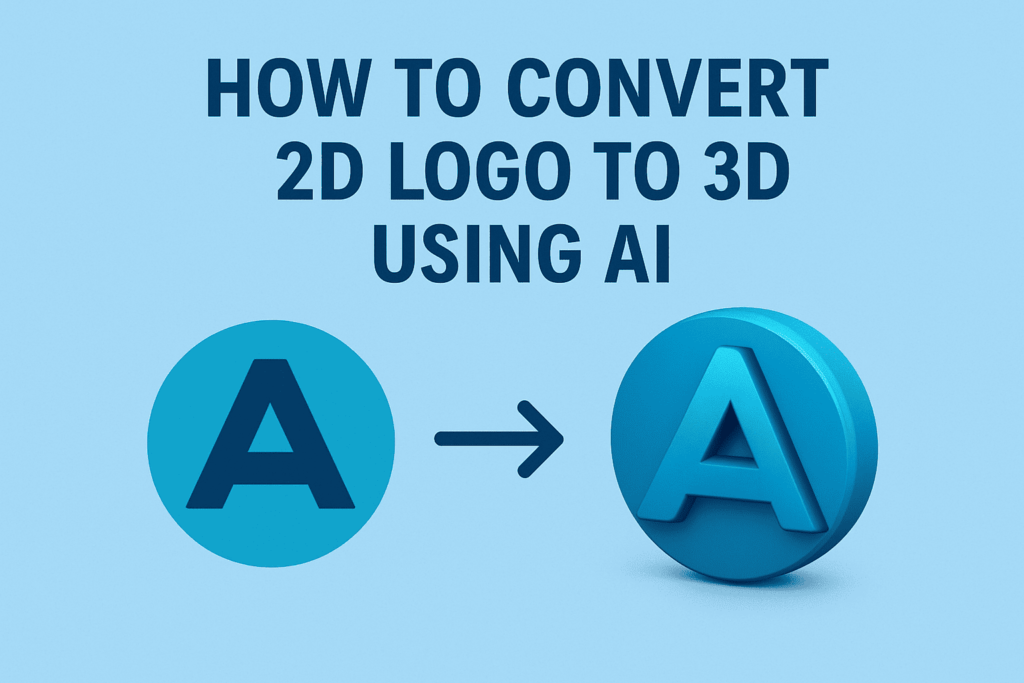
In today’s digital landscape, 3D logos are no longer just a luxury for big brands—they’re becoming essential for businesses that want to stand out. Whether you’re creating social media content, marketing materials, or wanting to modernize your brand identity, converting your 2D logo to 3D can add depth, professionalism, and visual impact that flat designs simply can’t match.
The good news? You don’t need expensive software or years of 3D design experience. AI-powered tools have revolutionized logo conversion, making it possible to transform any 2D logo into stunning 3D visuals in minutes. Let’s explore the best methods, tools, and techniques to achieve professional results.
Why Convert Your Logo to 3D?
Before diving into the how-to, let’s understand why 3D logos are worth the effort:
Enhanced Visual Impact: Three-dimensional logos create depth and visual interest that immediately captures attention across digital platforms.
Professional Brand Perception: 3D logos convey innovation and modernity, helping your brand appear more established and forward-thinking.
Versatile Applications: From animated social media posts to product packaging mockups, 3D logos offer endless creative possibilities.
Competitive Advantage: While many businesses stick with flat designs, a well-executed 3D logo helps you stand out in crowded marketplaces.
Top AI Tools for 2D to 3D Logo Conversion
1. Alpha3D: Enterprise-Grade AI Conversion
Alpha3D is an AI-powered platform that helps you transform 2D images into 3D assets at scale. This tool excels at converting logos for professional use, offering high-quality outputs suitable for marketing materials and brand applications.
Key Features:
- Batch processing for multiple logo variations
- Professional-grade 3D model outputs
- Integration capabilities for design workflows
- Scalable solutions for agencies and enterprises
Best For: Businesses needing multiple 3D logo variations or professional-grade outputs for extensive brand campaigns.
2. 3DLogoLab: Instant Animation and Effects
Turn your 2D logo into a 3D animation in seconds. Add chrome effects, spin it 360°, and export as a video or 3D model – no design skills needed.
Standout Features:
- Instant 3D animation creation
- Chrome and metallic effects
- 360-degree rotation animations
- Video export options for social media
Best For: Social media managers and marketers who need animated logo content quickly.
3. Dzine AI: Creative 2D to 3D Transformation
Discover a fresh perspective on your 2D designs with Dzine’s 2D to 3D Image Converter. Transform your flat drawings into dynamic 3D visuals.
Key Advantages:
- User-friendly interface for beginners
- Creative transformation options
- Quick processing times
- Multiple export formats
Best For: Small business owners and freelancers looking for straightforward conversion tools.
4. Meshy AI: Advanced AI 3D Generation
Meshy is an innovative platform that offers a blend of free, high-quality 3D models and cutting-edge AI tools for creators. Meshy AI lets you turn a single image into high-quality 3D model.
Advanced Features:
- High-quality 3D model generation
- Game development-ready assets
- AI-powered texture and material application
- Professional workflow integration
Best For: Game developers, app designers, and professionals needing detailed 3D models.
5. Fotor: All-in-One Design Solution
Fotor provides users a normal logo to 3D logo converter. Upload your flat logo, select the 3D cartoon style or customize with your own 3D prompts.
Notable Features:
- Integrated design ecosystem
- Customizable 3D styles
- Prompt-based customization
- Multiple design templates
Best For: Designers who want 3D conversion as part of a broader design toolkit.
Step-by-Step Guide: Converting Your 2D Logo to 3D
Step 1: Prepare Your 2D Logo
Before starting the conversion process, optimize your source logo:
File Requirements:
- Use high-resolution PNG or JPG files (minimum 1000×1000 pixels)
- Ensure clean, crisp edges with minimal compression artifacts
- Remove backgrounds for better AI processing
- Consider creating vector versions for scalability
Design Considerations:
- Simple, bold designs convert better than intricate details
- High contrast between elements improves AI recognition
- Clear typography produces better 3D text effects
Step 2: Choose Your AI Tool and Upload
Based on your needs and budget, select an appropriate AI tool from our recommendations above. Most platforms follow a similar upload process:
- Create an account or access the web-based tool
- Upload your 2D logo file
- Wait for AI processing (typically 30 seconds to 5 minutes)
- Review the generated 3D preview
Step 3: Customize and Refine
Don’t settle for the first AI-generated result. Most tools offer customization options:
Depth and Extrusion Settings:
- Adjust the depth of 3D extrusion for your logo elements
- Experiment with different thickness levels for text and shapes
- Consider asymmetrical extrusion for more dynamic effects
Materials and Textures:
- Apply metallic finishes for premium brand perception
- Use matte textures for modern, minimalist aesthetics
- Experiment with transparent or glass-like effects for tech brands
Lighting and Angles:
- Test different lighting setups to enhance dimensionality
- Consider how shadows will appear in different applications
- Optimize viewing angles for your primary use cases
Step 4: Export and Optimize
Choose the right export format for your intended use:
For Digital Marketing:
- PNG with transparent backgrounds for versatile placement
- High-resolution formats for print materials
- Multiple sizes for different platform requirements
For Animation and Video:
- MP4 or GIF formats for animated logos
- Consider file size optimization for web use
- Export in multiple resolutions for different platforms
For 3D Applications:
- STL (Standard Triangle Language) mesh/model files suitable for 3D printing or loading into 3D editing packages
- OBJ or FBX formats for advanced 3D software compatibility
Advanced Techniques for Professional Results
Combining Multiple AI Tools
For the best results, consider using multiple AI tools in sequence:
- Initial Conversion: Use Alpha3D or Meshy AI for high-quality base 3D models
- Animation Enhancement: Import into 3DLogoLab for rotation and animation effects
- Final Polishing: Use traditional 3D software for fine-tuning if needed
Creating Logo Variations
Develop a comprehensive 3D logo system:
Depth Variations: Create shallow, medium, and deep 3D versions for different applications Color Schemes: Generate multiple color variations while maintaining 3D structure Animation Styles: Develop consistent animation patterns across all logo variations
Optimizing for Different Platforms
Social Media Optimization:
- Create square versions for Instagram posts
- Develop horizontal layouts for Facebook covers
- Design vertical formats for Instagram Stories
Website Integration:
- Ensure loading speed optimization
- Create hover effects and micro-animations
- Develop responsive versions for mobile devices
Common Challenges and Solutions
Challenge 1: Poor AI Recognition of Complex Logos
Solution: Simplify your source logo by:
- Separating complex elements into individual components
- Using AI tools that allow manual guidance or prompts
- Creating multiple versions and combining the best results
Challenge 2: Unrealistic 3D Effects
Solution:
- Choose AI tools that offer material and lighting controls
- Study real-world 3D logo examples for reference
- Use subtle depth rather than extreme extrusion
Challenge 3: File Size and Performance Issues
Solution:
- Optimize 3D models for web use
- Create multiple resolution versions
- Use compression tools specifically designed for 3D content
Future of AI-Powered 3D Logo Design
The field of AI 3D generation is rapidly evolving. 2025 is the year 3D AI takes over! Hunyuan3D V2 is the top choice for AI-generated 3D right now—and you can run it locally for free.
Emerging Trends:
- Real-time 3D logo generation
- Voice-controlled 3D design modifications
- Integration with AR/VR brand experiences
- Automated brand consistency across 3D variations
Cost-Effective Strategies for Small Businesses
Free Options:
- Start with free tiers of tools like Meshy AI or Dzine
- Use open-source alternatives for basic conversions
- Leverage free trials to test different platforms
Budget-Friendly Approaches:
- Focus on one high-quality 3D version rather than multiple variations
- Use AI-generated 3D logos as starting points for manual refinement
- Invest in one premium tool rather than multiple basic options
Measuring Success: Evaluating Your 3D Logo
Technical Quality Metrics:
- Clean geometry with smooth surfaces
- Appropriate polygon count for intended use
- Consistent materials and lighting
Brand Impact Assessment:
- A/B test 2D vs. 3D versions in marketing materials
- Monitor engagement metrics on social media
- Gather feedback from target audience
Conclusion: Embracing the 3D Logo Revolution
Converting your 2D logo to 3D using AI tools is no longer a complex, expensive process reserved for large corporations. With the right approach and tools, any business can create professional-quality 3D logos that enhance brand perception and improve visual impact across digital platforms.
The key to success lies in choosing the right AI tool for your specific needs, preparing your source materials properly, and taking time to refine and optimize the results. Whether you’re using 3DLogoLab for instant animations, Alpha3D for enterprise-scale conversions, or any other AI-powered solution, the investment in 3D logo design will pay dividends in enhanced brand recognition and professional presentation.
Start with one of the recommended AI tools, experiment with different styles and effects, and gradually build a comprehensive 3D logo system that serves your brand across all digital touchpoints. The future of logo design is three-dimensional, and AI has made that future accessible to everyone.